
Plugins
Open Administration → Plugins to manage bundled and installed plugins. Only administrators can install, update, enable, disable, or uninstall plugins.
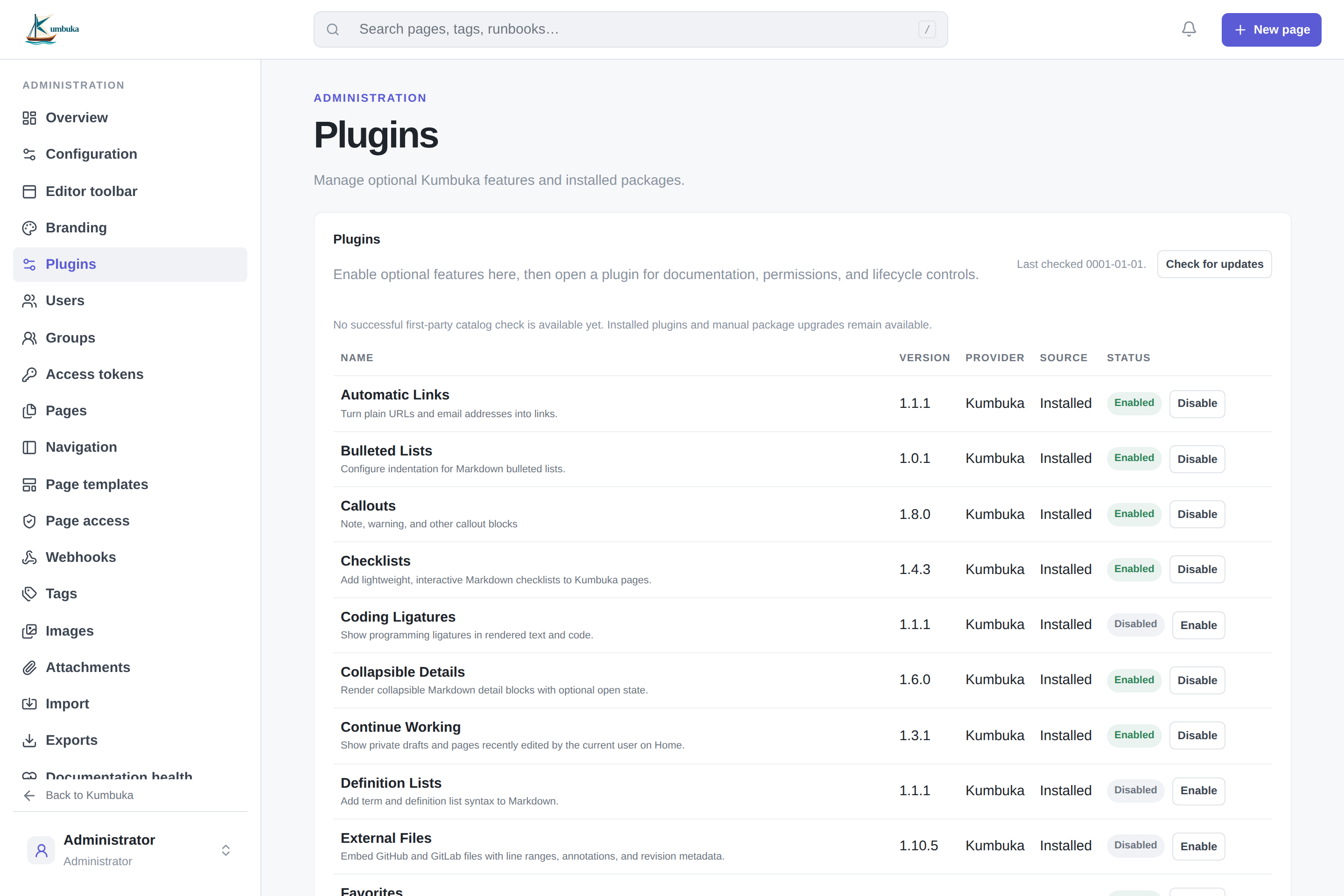
The plugin list shows the name, version, provider, source, status, and available first-party updates. Open a plugin to view its documentation, permissions, dependencies, modules, and lifecycle actions. Provider names come from the package author and are not verification badges.
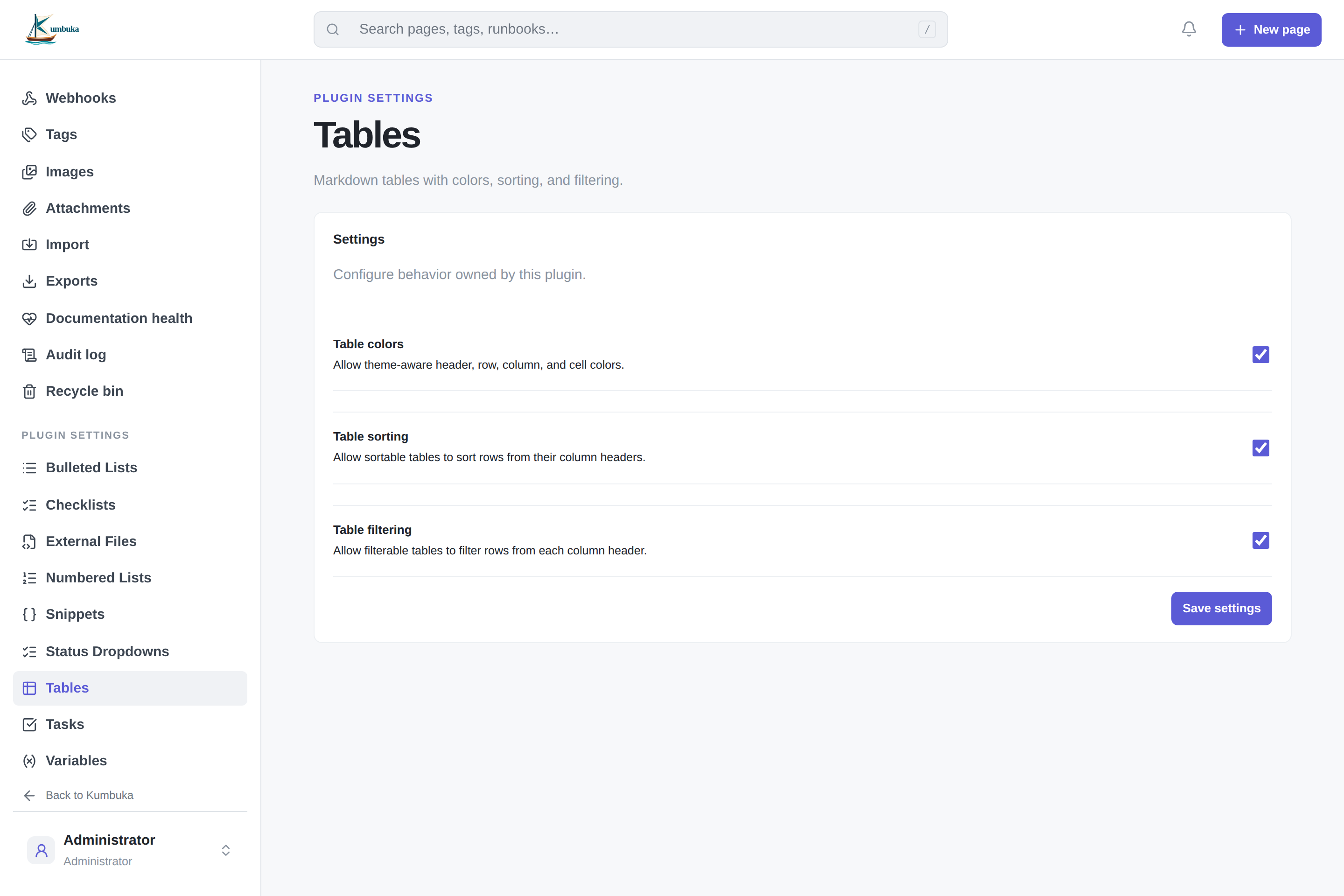
Plugins with administrator-managed configuration appear under Plugin settings in the administration sidebar.
Install and update
Upload a .kumbukaplugin package of up to 16 MiB and select Install and enable. Kumbuka checks package compatibility, dependencies, and requested permissions before installation.
Kumbuka checks the first-party plugin catalog every hour by default. The interval can be changed with --plugin-update-check-interval or KUMBUKA__PLUGIN_UPDATE_CHECK_INTERVAL; set it to 0 to disable scheduled checks. Check for updates remains available for manual checks.
Update checks never install plugins automatically. When a compatible update is available, the plugin page shows Update. Kumbuka verifies the downloaded package before applying it, and a failed update leaves the current version in place. Administrators can also upgrade manually by uploading a package with the same plugin ID.
Newly discovered first-party releases can generate administrator notifications. Catalog or download failures are shown in plugin administration and do not prevent normal Kumbuka use.
Catalog and package downloads honor HTTP_PROXY, HTTPS_PROXY, and NO_PROXY, including lowercase variants.
Enable, disable, and uninstall
Disabling a plugin removes its contributions from newly rendered pages. Reload an already-open page to ensure its browser-side plugin modules are refreshed.
A plugin cannot be disabled while another enabled plugin depends on it. Plugins required by the deployment cannot be disabled or removed.
Installed plugins can be uninstalled from their detail view. Their settings and plugin data are retained for a later reinstall. Bundled plugins can be disabled but remain part of the Kumbuka installation.
For package creation and extension APIs, see Plugin development.